
Enterprise AI Measurement Guide
Weekly Pulse
Cost & ROI Stats
What do this week's Total Cost and Cost/Engineer figures show about AI coding tool spend?
What it shows
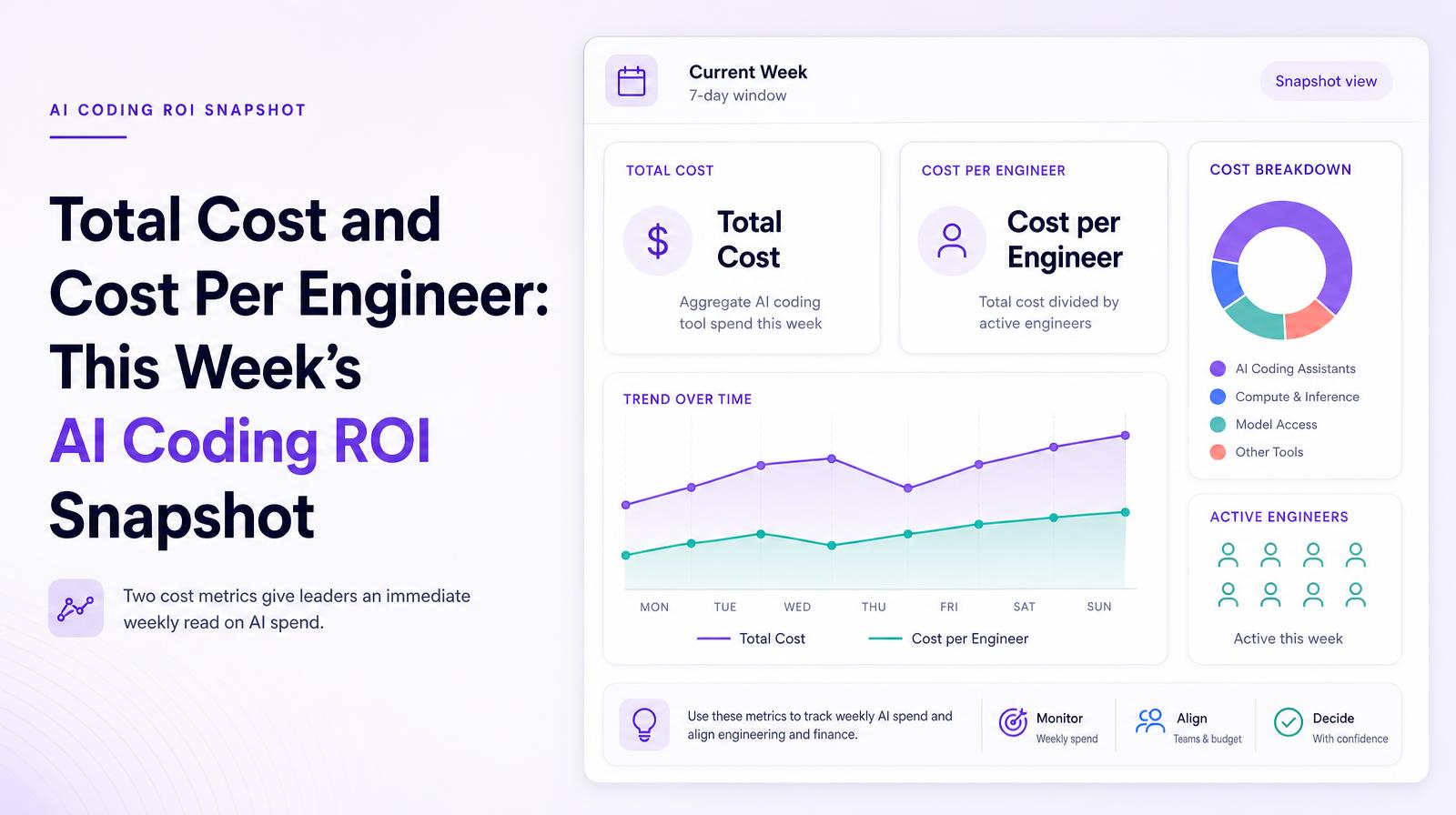
The Cost & ROI stats block shows two cost metrics for the current week: Total Cost (the aggregate AI coding tool spend for the seven-day window) and Cost per Engineer (total cost divided by the number of active engineers that week). These two numbers give engineering leaders and finance partners an immediate weekly read on AI spend without requiring navigation to the full Cost tab.
Why it matters
Weekly total cost and cost per engineer are the budget monitoring signals that catch the week-to-week volatility that monthly invoices smooth away. A week where Cost per Engineer jumps from $82 to $412 with no corresponding change in headcount is a spend spike that requires immediate investigation, and Larridin customer data shows this pattern occurring with individual engineers driving the majority of a team's weekly bill. Without weekly cost visibility, that spike appears only as a slightly elevated monthly average. The weekly Pulse view is what makes that anomaly visible in time to respond.
The Larridin angle
The Cost & ROI stats in the Weekly Pulse are intentionally placed alongside the Velocity and Quality stats, so engineering leaders can see in the same view whether a cost spike corresponds to a velocity or quality improvement that justifies it, or whether it's cost without corresponding output gains. That same-screen comparison is the operational version of the Cost per Output calculation that requires more analysis in the dedicated Cost tab.
Related Weekly Pulse Metrics
Common questions
What is the purpose of the Cost & ROI stats block?
The Cost & ROI stats block provides a weekly snapshot of AI tool spending, showing Total Cost and Cost per Engineer to help leaders quickly assess AI expenditure.
Why is weekly cost visibility important for engineering leaders?
Weekly cost visibility helps identify spending spikes that monthly averages might obscure, allowing for timely investigation and response to any anomalies.
How does the Cost & ROI stats block benefit the C-suite?
It offers immediate insights into budget fluctuations, enabling the C-suite to monitor and address unexpected spending changes effectively.
How can engineering leaders use the Cost & ROI stats block effectively?
Leaders can compare cost metrics with Velocity and Quality stats to determine if spending spikes are justified by improvements in output or quality.