
Enterprise AI Measurement Guide
Unified Analytics
Active Events (Browser) / (Desktop)
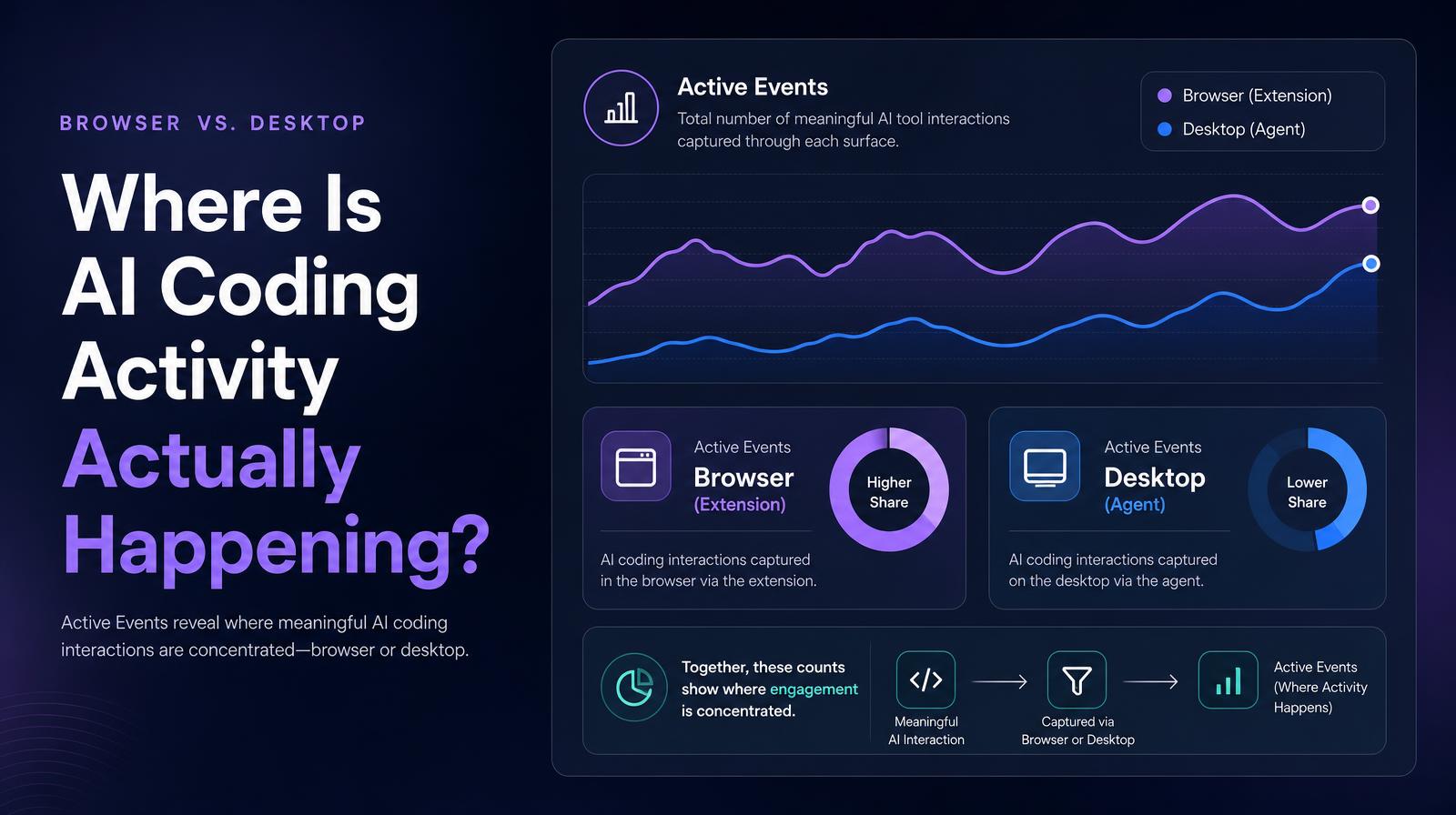
How many AI tool interaction events are captured through the browser versus the desktop, and how is that split trending?
What it shows
Active Events (Browser) and Active Events (Desktop) show the total number of AI tool interaction events captured through each surface, the browser extension and the desktop agent respectively, with trends for each. An "active event" is a meaningful interaction with an AI tool, not a passive visit. The two counts together show where AI coding tool engagement is concentrated and how the balance between surfaces is shifting over time.
Why it matters
The browser/desktop split is the engagement depth signal that user counts miss. Larridin customer data shows that desktop users generate 7, 8x more events per user than browser users for the same tools, because desktop apps are used in deeper, longer workflow sessions rather than quick browser tab visits. An organization where 90% of Active Events come from the browser surface has very different AI integration depth than one where desktop events are growing as a share of total activity. The split reveals whether AI tools are becoming part of the deep workflow or staying at the surface of occasional browser interaction.
The Larridin angle
The browser vs. desktop event split is also a governance signal. Desktop apps often sit outside standard license tracking and may generate high-intensity usage that appears as unapproved or unlicensed in the AI Tool Insights table. A rising Desktop Active Events count alongside stable Browser events may indicate engineers are migrating to desktop-native coding agents, a shift that has both productivity and governance implications that the unified event count alone would miss.
Related Unified Analytics Metrics
Common questions
What are Active Events in the context of AI tool usage?
Active Events refer to meaningful interactions with AI tools, recorded either through a browser extension or a desktop agent.
Why is the browser vs. desktop split important for understanding AI tool engagement?
The split indicates the depth of engagement, showing whether AI tools are part of deep workflows on desktops or used for quick interactions in browsers.
How do desktop and browser Active Events differ in terms of user engagement?
Desktop users typically generate more events per user, indicating deeper, longer workflow sessions compared to the quicker interactions seen in browser sessions.
What governance implications arise from the desktop vs. browser Active Events split?
A rise in desktop events may signal high-intensity usage that could be unapproved or unlicensed, affecting productivity and governance.