
Enterprise AI Measurement Guide
Team Performance
Total Cost
What does the Team Performance Total Cost card show for tool-level spend breakdown alongside output and quality metrics?
What it shows
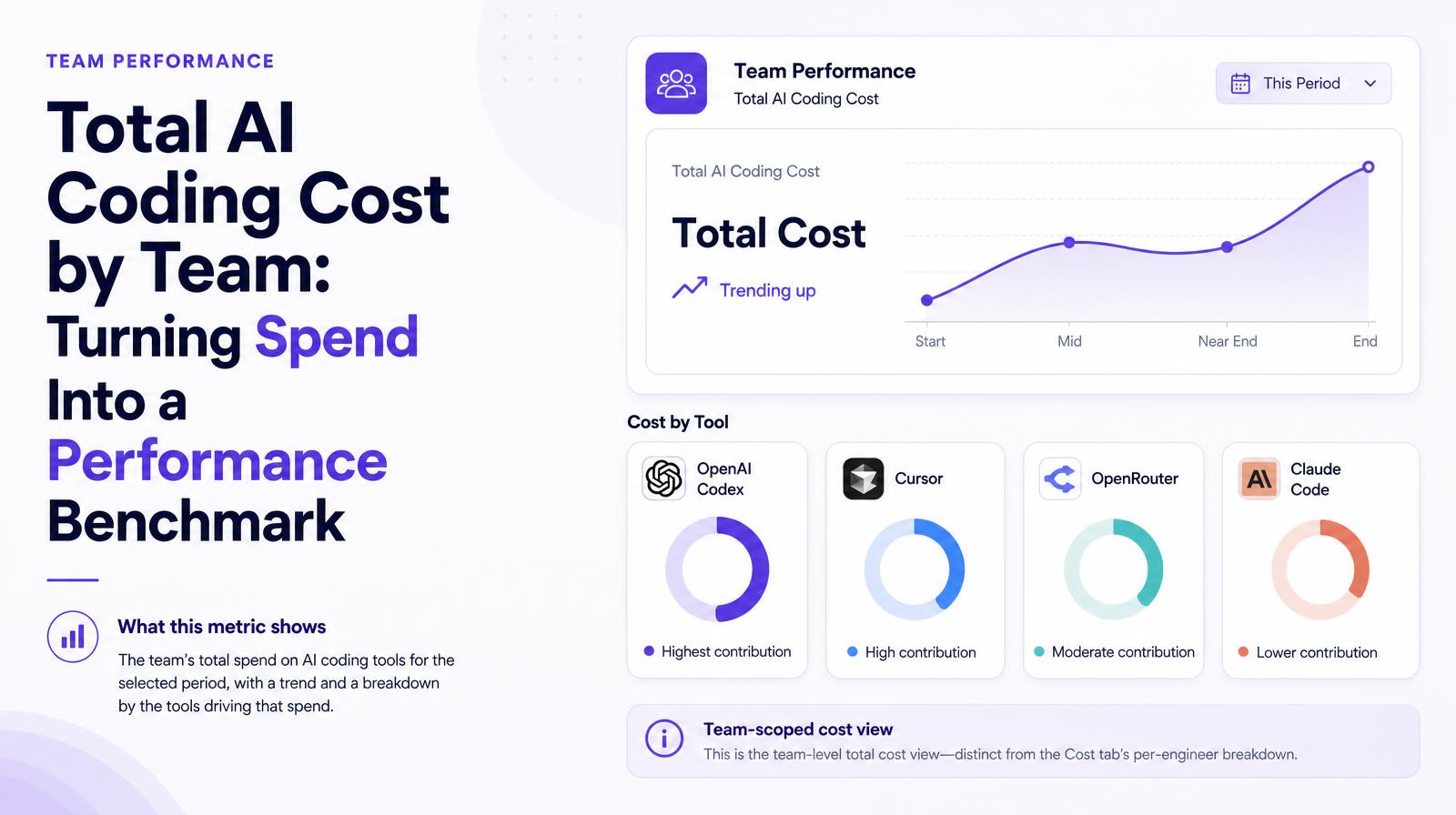
The Team Performance Total Cost card shows the engineering team's total AI coding tool spend for the selected period with a trend, broken down by the tools driving that spend: OpenAI Codex, Cursor, OpenRouter, and Claude Code. This is the team-scoped cost view within Team Performance, distinct from the Cost tab's per-engineer breakdown, showing tool-level spend concentration alongside the team's output and quality metrics in the same tab.
Why it matters
Spend by tool alongside output by team is the cost-efficiency view that makes AI tool portfolio decisions data-driven. A team spending heavily on Claude Code while Codex sits at near-zero usage has made an effective routing decision, or never meaningfully adopted Codex. A team with high spend distributed evenly across all four tools may be running redundant workflows. The combination of tool-level spend with team performance metrics gives CTOs and CFOs the evidence to rationalize the tool portfolio rather than relying on developer preference surveys.
The Larridin angle
The Team Performance Total Cost card is the bridge between the Cost tab's per-engineer attribution (which shows who is spending what) and the Team Performance output metrics (which show what the team is producing). Together they make Cost per Unit of Output calculable at the team level, the efficiency metric that connects AI spend to engineering value in a format that survives CFO review.
Related Team Performance Metrics
Common questions
What does the Team Performance Total Cost card show?
It displays the total AI coding tool spend for an engineering team over a selected period, with a breakdown of costs by tools like OpenAI Codex, Cursor, OpenRouter, and Claude Code.
Why is the Team Performance Total Cost card important for the C-suite?
It provides a cost-efficiency view by showing spend by tool alongside team output, helping CTOs and CFOs make data-driven AI tool portfolio decisions.
How does the Team Performance Total Cost card differ from the Cost tab?
The Team Performance Total Cost card offers a team-scoped view of tool-level spend and performance, while the Cost tab provides a per-engineer breakdown.
What insights can be gained from tool-level spend analysis?
It helps identify effective tool usage and potential redundancies, offering evidence to rationalize the tool portfolio based on team performance metrics.